
Visitors leave your website within 10 seconds because they can’t tell what you offer, whether it’s for them, whether you’re trustworthy, or what to do next. Slow loading and messy mobile layouts speed up the exit. Fix the first screen, the load time and the next step, in that order.
A homeowner in Brunswick searches “blocked drain urgent” on her phone and taps your result. Blank white screen for three seconds. Then a slider, a stock photo of two people shaking hands, and a headline that reads “Welcome to Our Website.” She hits back. She never saw your phone number.
Your analytics log that as a bounce, and most owners shrug it off as bad luck. It isn’t luck. The decision took about as long as it took you to read this paragraph, and it follows a pattern you can diagnose.
This guide explains why visitors leave your website so fast and what to fix first. It comes from the audits we run at Optirank, a Melbourne agency with 14 years of SEO and web development experience.
How long do visitors really give your website?
Nielsen Norman Group’s research found that users often leave a page within 10 to 20 seconds, while pages with a clear value proposition can hold attention far longer.
Speed makes the window smaller. In a 2017 study with SOASTA, Google found that the chance of a mobile visitor bouncing rises 32% as load time goes from one second to three, and 90% as it goes from one second to five. Earlier DoubleClick data showed 53% of mobile visits were abandoned when a page took longer than three seconds.
Read those numbers as a deadline, not a verdict. You don’t have to impress anyone in ten seconds. You only have to give them a reason to keep scrolling.
What is the real reason visitors leave a website?
The real reason is that your first screen doesn’t answer the question the visitor arrived with. Speed, design and pop-ups all matter, but they make a problem worse. They rarely create it.
Every visit starts with a question. Can this company fix my problem? Is this the page I meant to click? The visitor scans the top of the page for proof. If they find it, they scroll. If they find a vague slogan, they go back to the results and pick the next listing.
Think about what you do on a site you’ve never seen. You don’t read. You look for a few anchors: a line that names what’s sold, a face or a review that suggests real people run the place, and a button that tells you what happens next. Miss all of them and the brain files the page under “not sure,” which in practice means “leave.”
When we audit local business sites, the homepage often opens with the company name, a rotating banner and “Quality service you can trust.” Every word is true. None of it answers anything.
What are the five causes behind a 10-second exit?
1. The headline says nothing specific
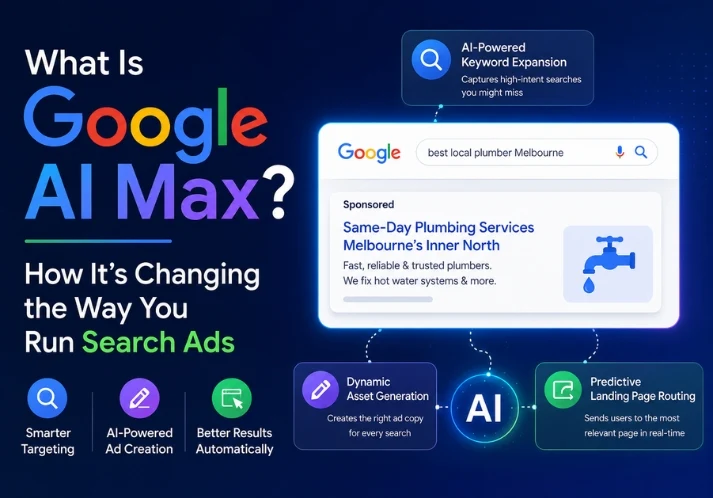
“Tailored solutions for your business” could sit on any website on earth. A headline that names the service, the audience and the place does the work: “Emergency plumbing across Melbourne’s inner north, 24 hours.” Specific beats clever.
2. The page loads too slowly
Speed is the one cause you can measure precisely. Google’s Core Web Vitals set the targets: Largest Contentful Paint within 2.5 seconds, Interaction to Next Paint under 200 milliseconds, and Cumulative Layout Shift below 0.1. Heavy hero images, sliders and a pile of tracking scripts are the usual culprits. Test in Google PageSpeed Insights, and test on mobile data rather than office Wi-Fi.
3. The page doesn’t match the click
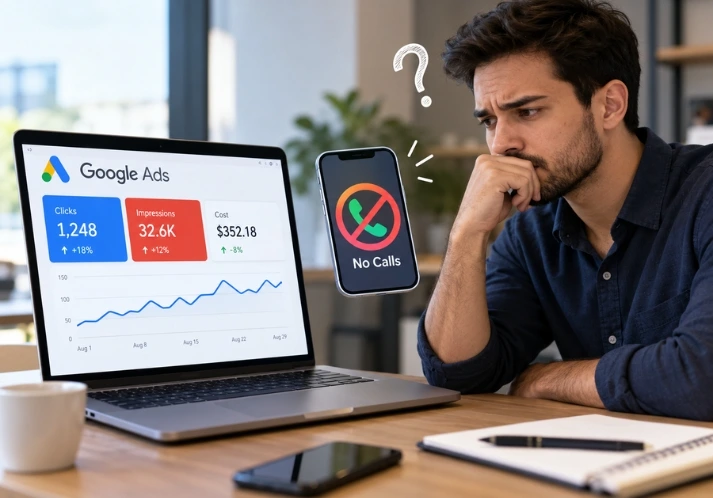
Someone clicks an ad promising “same-day quotes” and lands on a generic homepage. The promise and the page don’t line up, so the visitor assumes they’ve been misled. It’s the most common way paid traffic gets wasted. Our post on Google Ads running but nobody calling goes deeper on this one.
4. Mobile is an afterthought
Most local searches happen on phones. A desktop layout squeezed onto a small screen gives you tiny buttons, text that needs zooming and a pop-up covering the content. Google also indexes the mobile version of your site first, so the same flaw can hurt your rankings. Our mobile SEO service starts with exactly this check.
5. Nothing signals trust
No reviews, no street address, no real faces, no recent updates. Visitors look for proof within seconds, especially when they’re about to hand over money or personal details. One genuine review near the top of the page often does more than three paragraphs of claims. Put the reviewer’s name and suburb next to it, and link to the original on Google so a skeptical visitor can check.
How do you find out which cause is hitting your site?
Start with a number most owners misread. In Google Analytics 4, bounce rate is the inverse of engagement rate, and an engaged session is one that lasts 10 seconds or longer, includes a conversion event, or has at least two page views. The 10-second line is built into the tool.
Then work through four checks:
- Rank your landing pages: Sort by sessions and look for the high-traffic pages with the weakest engagement. Fixing the top one beats tuning everything.
- Split by device: If mobile engagement sits far below desktop, you have a speed or layout problem.
- Split by source: If only paid traffic bounces, suspect a mismatch between ad and page. If only organic bounces, the page may not satisfy the search intent.
- Watch recordings: Free tools such as Microsoft Clarity replay real sessions. Ten recordings of one landing page will show you more than any report.
After that, run a five-second test. Show the page to someone for five seconds, hide it, and ask what the business does and what they’d click next. If they can’t say, your visitors can’t either.
What should you fix first?
| Symptom | Likely cause | First fix |
| Low engagement on mobile only | Speed or layout | Compress images, remove sliders, test on a real phone |
| Paid traffic bounces, organic doesn’t | Ad and page mismatch | Build a landing page that repeats the ad promise |
| Visitors leave without scrolling | Vague headline | Rewrite the headline with service, audience and location |
| Visitors scroll but don’t act | Weak next step or low trust | One clear button, one real review beside it |
Change one thing, wait two weeks, then measure again. Changing six things at once tells you nothing about which one worked.
Is a high bounce rate always a problem?
No. A reader who finds the answer in your blog post and closes the tab has had a good visit. Someone who copies your phone number from the contact page and leaves has converted. Judge homepages, service pages and landing pages, and mostly ignore the rest. Context decides everything here: the same 70% bounce rate is fine on a recipe post and alarming on a service page with a quote form. And wait until a page has a few hundred sessions before reacting, because a handful of visits can swing the percentage wildly.
What does this look like for Melbourne businesses?
Local service businesses face a particular risk. Much of their traffic comes from suburb and “near me” searches where the person needs help now. Urgent searchers don’t browse. In the sites we rebuild, the phone number and the main service are usually buried under a decorative banner. Moving both to the top, with a tap-to-call button on mobile, is one of the cheapest fixes there is.
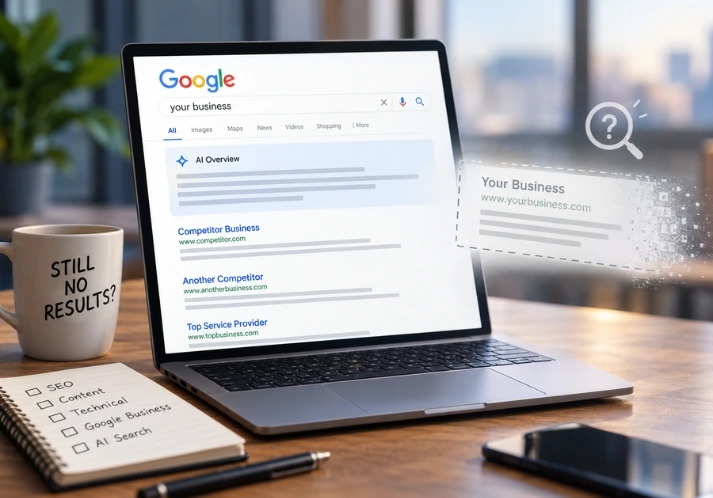
The same clarity helps in AI search. Tools like ChatGPT and Google’s AI Overviews tend to cite pages that say plainly who you are, what you do and where. If you want the wider picture, read why your website looks good but doesn’t generate leads or check the signs your website needs a redesign.
Frequently asked questions
Why do visitors leave my website so quickly?
Usually because the first screen doesn’t show what you offer, who it’s for and what to do next. Slow loading, a poor mobile layout and missing trust signals make it worse.
How long should a visitor stay on my website?
There’s no universal number. A blog post can be read in two minutes and a contact page in ten seconds. Compare each key page with its own history instead of chasing an industry average.
Does page speed affect SEO?
Yes. Core Web Vitals are part of Google’s page experience signals. Relevance still matters more, but a slow page loses visitors who would otherwise have stayed.
What’s the quickest fix for a high bounce rate?
Rewrite the headline on your highest-traffic landing page so it names the service, the audience and the location, then compress its largest images.
Want a second pair of eyes?
If you’d like someone to look at your site, Optirank offers a free SEO audit. Send us the page that loses the most visitors on our contact page, and we’ll tell you what we’d fix first. For rebuilds, see our website development service.