
To get started with AI automation for your business in Australia, pick one repetitive task that costs you time or leads, map how it runs today, set a number to measure, check your privacy and consent obligations, choose a tool, and run a small pilot with a person reviewing the output. Expand only once the numbers hold up.
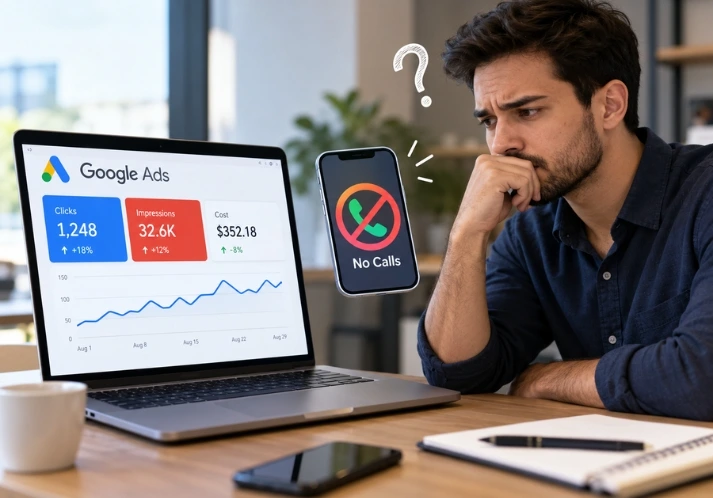
An enquiry arrives at 7pm. Nobody sees it until 10 the next morning. By then the person has messaged two competitors, and one of them answered in five minutes. Most business owners we speak to don’t have an “AI problem”. They have that problem, and AI automation is the most practical fix for it right now.
Plenty of Australian businesses still haven’t started. In the National AI Centre’s SME AI Pulse for December 2025 to February 2026, 43% of small and medium businesses reported some AI adoption, and 19% said they didn’t know how to use AI in their business. Other surveys report far higher figures, such as Intuit’s 69% of Australian small and mid-sized businesses using AI regularly. The gap is mostly a definitions problem. “Using AI” can mean one chatbot prompt a week or a workflow that runs while you sleep.
This guide covers the second kind. It’s written for owners and managers of Australian small and mid-sized businesses, and it includes the legal checks most international guides skip.
What is AI automation?
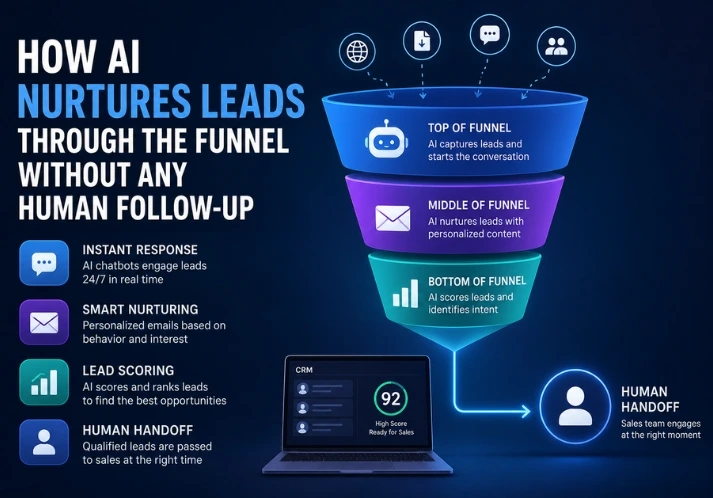
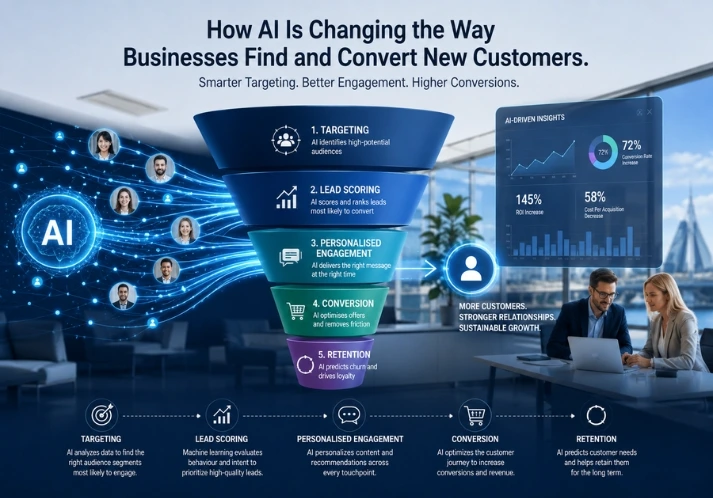
AI automation is software that runs a repeatable business task, such as replying to enquiries, booking appointments or reading invoices, and uses AI to handle the parts that fixed rules can’t: free-text questions, varied documents and judgement about what a person actually wants.
Traditional automation follows rules. “If the form is submitted, send this email.” AI automation reads the message, works out the intent and picks the next step within limits you set. It doesn’t replace your team. It takes the first response and the paperwork, so people can spend their time on conversations that need a human.
Why start this quarter?
Two things. The privacy policy change for automated decisions lands on 10 December 2026, about seven weeks away, and it’s far easier to build disclosure in from day one than to bolt it on later. And customers who get a reply within a minute from one business rarely wait around for a second.
How do you get started with AI automation? Seven steps
Step 1: Pick one job, not a strategy
Write down the five tasks your team repeats most. Circle the one where delay costs you money. For enquiry-driven businesses (brokers, clinics, agents, accountants) that’s usually the gap between a lead arriving and someone replying.
What goes wrong: owners try to automate five things at once, nothing gets measured, and the project fades by month two.
Step 2: Map how the task runs today
Follow ten real enquiries from first contact to outcome. Note who touches each one, which tools they use and where it waits. You’ll often find the reply isn’t the weak point. The handoff is. A lead sits in a shared inbox, the CRM never gets updated, and the follow-up depends on someone remembering.
Fix that first. Automating a messy process only makes the mess faster.
Step 3: Set a number you can check
Before you touch any software, record one baseline: time to first reply, or bookings per 100 enquiries. Without it, you’ll be debating in month three whether AI “feels” useful.
Here’s an illustration, not a client result. Say a clinic gets 40 enquiries a week and 15 arrive after hours. If a third of those after-hours enquiries book elsewhere before anyone replies, that’s five lost bookings a week. The baseline turns “we’re a bit slow” into a figure you can actually improve.
Step 4: Check the Australian rules before you build
This is the step most guides skip, and it’s the one that can hurt. Here’s what matters:
- Spam Act 2003: Any marketing SMS or email needs consent, a clear sender and a working unsubscribe. Automated follow-up to a purchased list is how AI projects get into trouble.
- Privacy Act 1988: Businesses with annual turnover over $3 million are generally covered, along with some smaller ones, including health service providers. From 10 December 2026, a covered business must say in its privacy policy where software makes a decision, or does something substantially and directly related to making one, that significantly affects someone’s rights or interests. The OAIC published guidance on 30 September 2026 and reads “decision” broadly. A lead-reply agent usually isn’t making significant decisions. One that screens loan applicants or refuses bookings might be. Ask your lawyer which side you’re on.
- Guidance for AI Adoption: The National AI Centre released it on 21 October 2025. It isn’t binding, but it sets six practices: decide who’s accountable, understand impacts, manage risks, share essential information, test and monitor, and keep human control. It comes with an AI policy template and an AI register template. Start the register today. It’s one page: tool, purpose, owner, data used.
Step 5: Choose the tool by the job
Two routes exist. You can use AI features inside software you already pay for, such as your CRM, accounting package or booking system. Or you can build a custom agent that connects several channels. Start with the first if the task is simple. Go custom when one task crosses systems, like a WhatsApp message that needs to check a calendar and update a CRM.
Ask any vendor four questions: where is the data stored, can I read every conversation log, can a person take over mid-chat, and what happens when it gets something wrong? If they can’t answer the last one clearly, walk away.
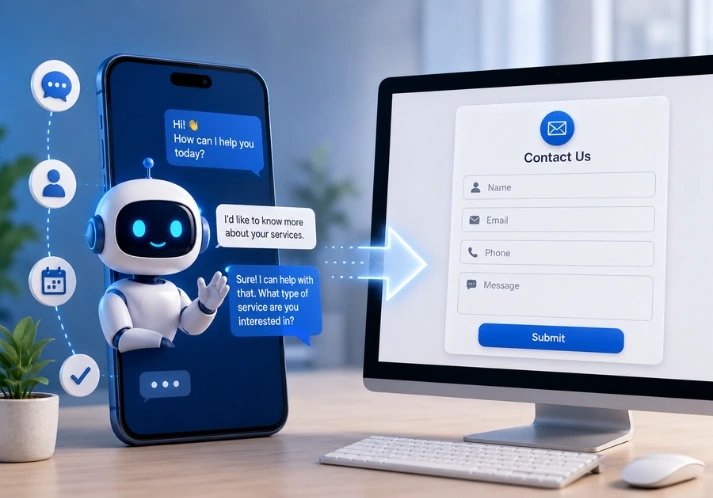
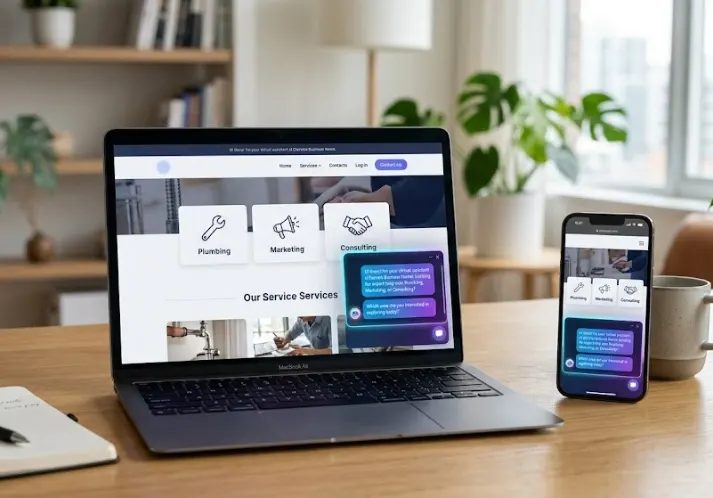
One example of the custom kind is OptiSara, an AI agent built by OptiRank for enquiry handling. She replies within about a minute across WhatsApp, Instagram, web chat, SMS, email and Microsoft Teams, qualifies leads, books them into a calendar and hands over to your team with the full conversation. That suits a business whose enquiries land on several channels at once. If yours arrive through one inbox, built-in tools are usually enough.
Step 6: Run a small pilot with a human watching
Pick one channel and run it for two to four weeks on real enquiries. In week one, read every conversation. Every one, not a sample. You’ll find the oddities fast: the agent promising a service you don’t offer, the question nobody prepared for.
Write escalation rules before launch. Complaints and anything that sounds like advice go straight to a person. In regulated work this is non-negotiable. A mortgage broker’s agent shouldn’t give credit advice, and a clinic’s shouldn’t give clinical advice.
Step 7: Measure against your baseline, then expand
Compare the pilot with the number from Step 3. If reply times dropped and bookings held or rose, add a second channel or task. If bookings fell, read the transcripts and find out why before spending more. After that, review monthly. It’s the “test and monitor” practice from the Guidance, applied to your own business.
What does AI automation look like in your industry?
The setup changes with the sector, and so do the guardrails:
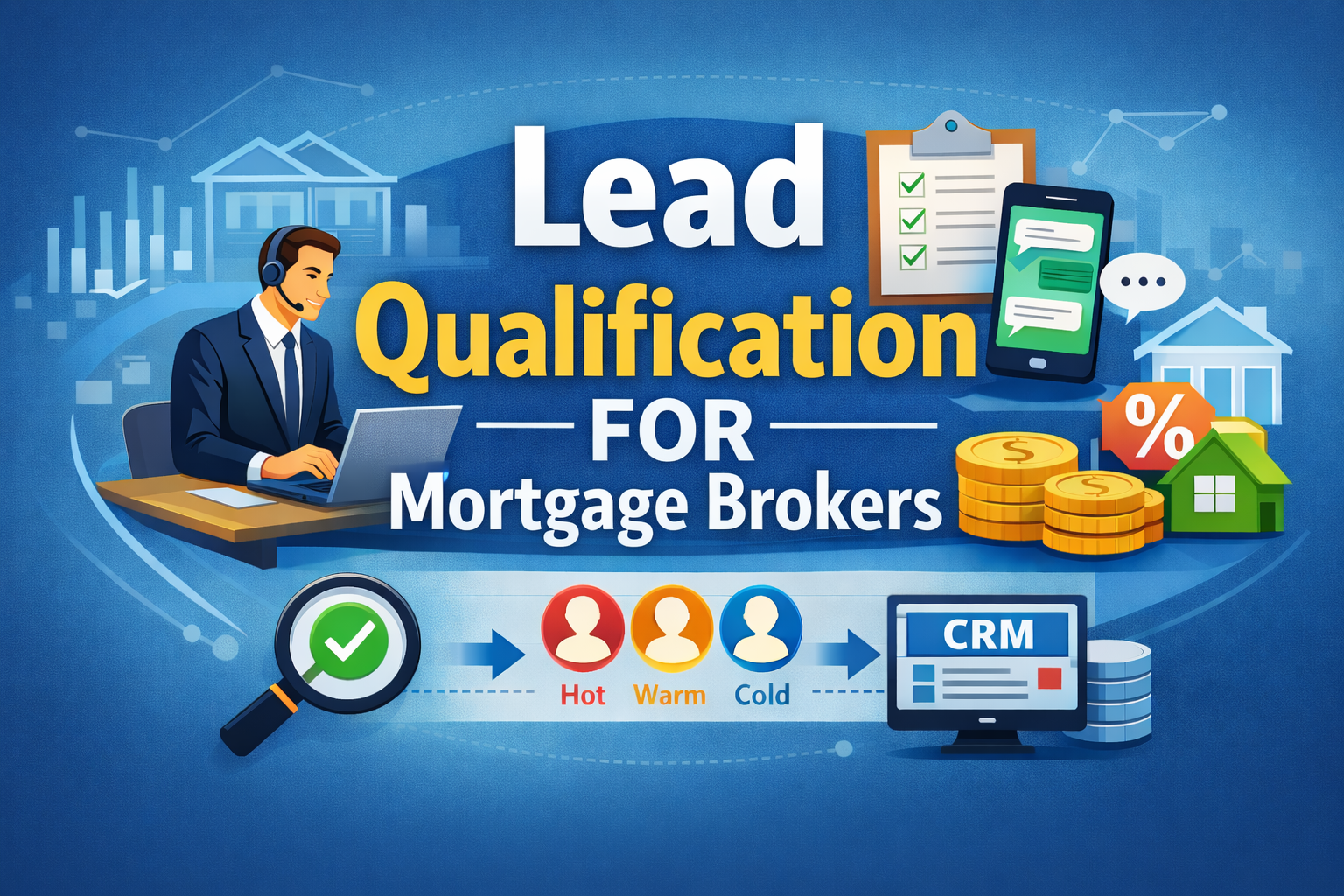
- Mortgage brokers: capture every enquiry, pre-qualify and book the first call. The agent never gives credit advice or product recommendations.
- Real estate agents: reply to portal and social enquiries instantly and book inspections and appraisals. Capture consent before any follow-up marketing.
- Accountants and bookkeepers: turn website and referral enquiries into discovery calls. Reminders go to opted-in contacts only.
- Clinics and allied health: handle booking enquiries and reminders so reception can focus on patients. No clinical advice and no clinical testimonials in ads.
Which tasks should you automate first?
| Task | Why it works early | Watch for |
| Replying to new enquiries | Speed often decides who wins the lead, and the questions repeat | Wrong promises on price or availability |
| Booking and reminders | Clear rules, easy to measure no-shows | Double-booking if the calendar isn’t synced |
| Invoice and document data entry | High volume, low judgement | Misread figures, so keep a review step |
| Follow-up with opted-in leads | Most leads need more than one touch | Consent and unsubscribe (Spam Act) |
Who shouldn’t start yet?
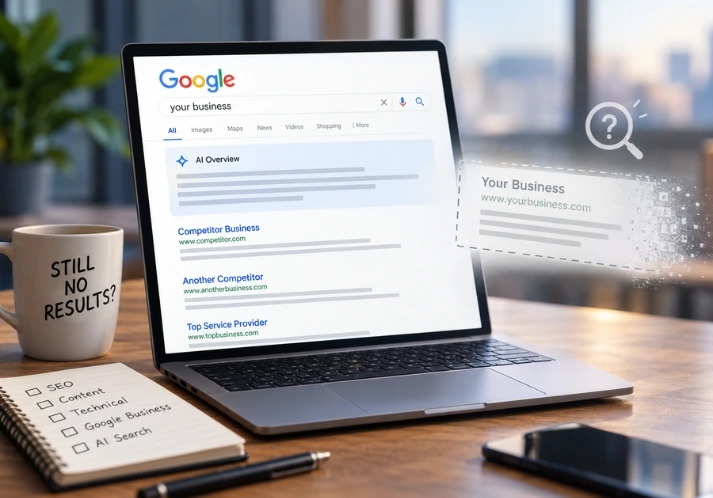
If you get five enquiries a month, a custom agent won’t change much. Fix your website and ads first. If your follow-up process lives on a sticky note, write it down properly before you hand it to software. If nobody in the business will own the result, wait, because every automation needs a named person who reads the reports. And if you’re hoping AI will fix a weak offer, it won’t. It will just reply to the same disappointed people faster.
FAQs
How long does it take to set up AI automation for a small business?
A simple pilot using tools you already own can start within days. A custom agent connected to your CRM and messaging channels usually takes a few weeks to build and test, depending on how many systems it touches.
Do I have to tell customers they’re talking to AI?
Tell them. Sharing essential information about AI use is one of the six practices in the Guidance for AI Adoption, and passing a bot off as a person erodes trust fast. Check with a lawyer for any rules specific to your industry.
Will AI automation replace my staff?
It replaces the repetitive first response and the admin, not the conversations that close work. Treat it as a way to get your people to the right conversations sooner.
Can I do this without an agency?
For one simple task, yes. Many CRMs and booking tools now include AI features you can switch on yourself. A specialist is worth paying when a task spans several systems, or when consent and privacy settings need care.
Next step
Unsure where to start? Work through Steps 1 to 3 first, because they cost nothing and tell you whether automation is worth it. If missed enquiries turn out to be your biggest leak, you can see how OptiSara handles them and book a demo.