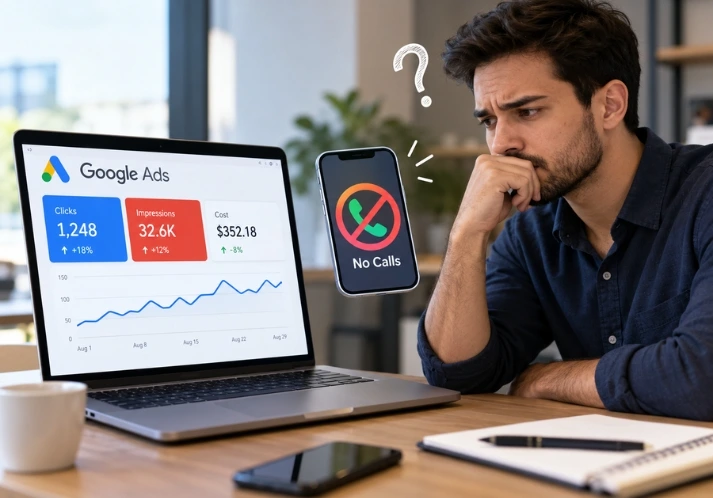
You check the dashboard on Monday morning. Clicks are up. Spend is on track. The phone hasn’t rung since Thursday.
If your Google Ads are not getting calls, the cause is rarely the ads themselves. It’s a break somewhere between the search and the phone. That break is usually broken tracking, the wrong searches, a mobile page that hides your number, or a call nobody answered. Each one is fixable, and you can check most of them in an afternoon.
Below is the order we’d check them in on a new account audit.
Why are my Google Ads getting clicks but no calls?
Google Ads usually get clicks but no calls because something breaks between the search and the phone. The most common issues are faulty call tracking, irrelevant search terms, a landing page that buries the phone number on mobile, and unanswered calls. Check them in that order.
A click means someone found your ad interesting enough to tap. A call means someone trusted you enough to talk. Google Ads reports the first one loudly. It only reports the second if you’ve told it how to count calls.
That gap is where most local businesses lose money. The dashboard looks busy, so nobody questions it.
Is your call tracking actually working?
Start here, because it costs nothing and sometimes solves the whole problem.
Pick up a different phone and call your business number from the ad. Then open your website on that phone, tap the number, and see what happens. Does it dial? Does the call connect? Does it show up in Google Ads later?
Google Ads can track calls in a few ways: calls straight from the ad, calls from your website using a Google forwarding number, and calls you import from a third-party tool. If none of these are set up, Google has no idea whether your ads produce calls. Worse, if you use automated bidding, it optimises towards whatever it can see, which is usually clicks.
Check the minimum call length on your call conversion action too. It’s usually set to 60 seconds by default. A 40-second call to book a blocked-drain repair is a real lead, and it won’t count.
I’ve seen accounts that looked dead and weren’t. The calls were arriving. Nobody had told Google to count them. That’s a reporting problem, not an advertising problem, and the fix takes ten minutes.
Are you paying for searches that were never going to call?
Now open the search terms report in Google Ads and set it to the last 30 days. Read every line. Not a sample. Every line.
For each one, ask: would the person typing this pick up the phone and hire me today?
A plumber in Perth will often find terms like “how to fix a leaking tap”, “plumber jobs Perth” and “plumbing course”-all three cost money. None of them will call. These are the searches that make a dashboard look healthy while the business stays quiet.
Three things usually cause this:
- Loose match types: Broad match can work well, but only when Google has solid conversion data to learn from. With broken tracking or very few conversions, it drifts into whatever is cheapest to click.
- No negative keywords: Words like “jobs”, “course”, “free”, “DIY” and “how to” should be blocked on most service accounts from day one.
- The wrong location setting: The default targeting option includes people who merely show interest in your area. Someone in Melbourne reading about Brisbane electricians can trigger your ad. Switching to “presence” keeps it to people actually in your service area.
Cutting these costs less than it sounds like. You’ll see fewer clicks. The ones left are from people with a problem to solve, which is the whole point.
Does your landing page make calling easy?
Pull up your landing page on your phone right now. Stand up if you have to, and hold the phone the way a customer would, in one hand.
Can you see the phone number without scrolling? Can you tap it? Does the page load in under three seconds on mobile data?
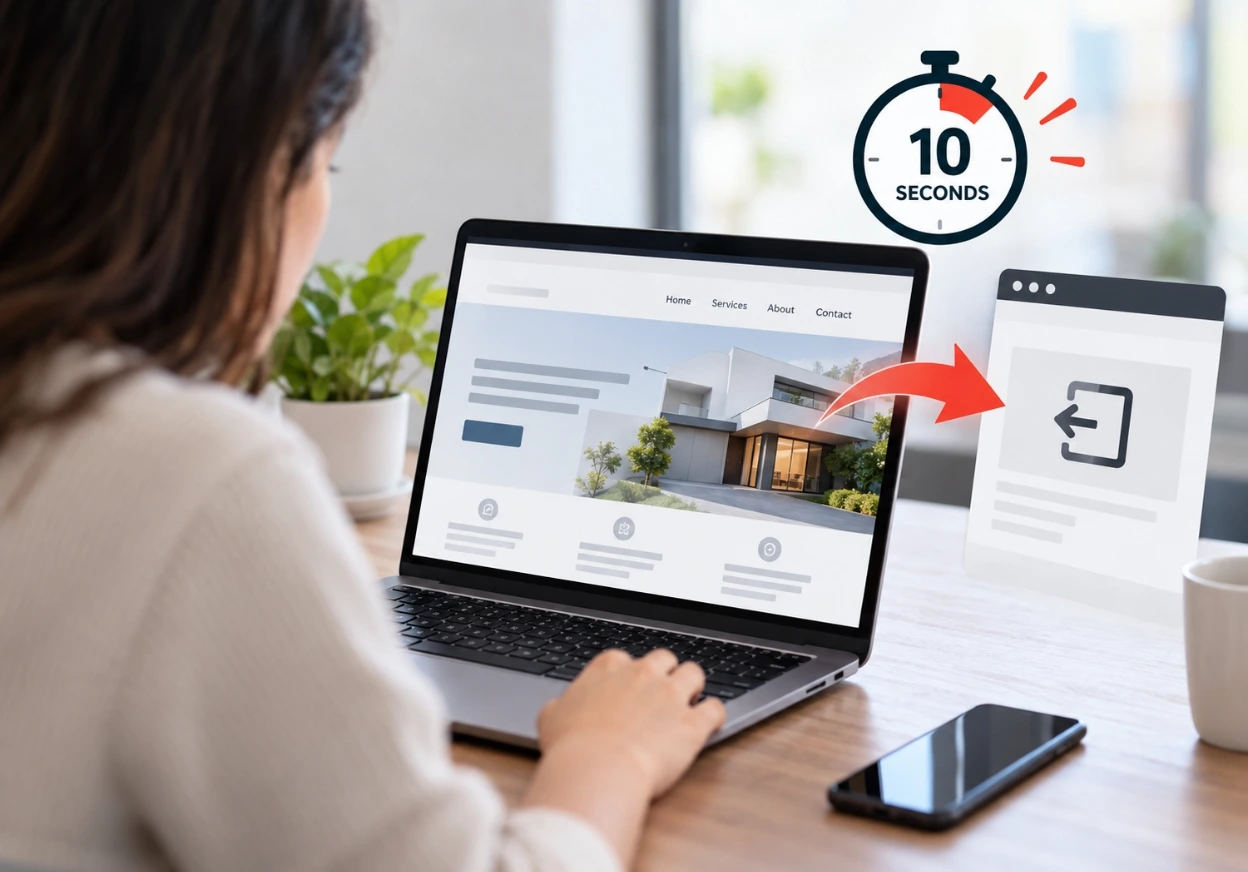
Most calls from local search ads come from phones. A number buried in the footer, or one that’s plain text instead of a tap-to-call link, loses calls every day. Nobody complains about it. They hit the back button and ring the next business on the list.
Message match matters just as much. If your ad says “Same-day blocked drain repair” and the page opens with “Welcome to Smith Plumbing, serving the community since 1998”, the visitor has to work out whether they’re in the right place. Most won’t bother. The page should repeat the promise from the ad in the first line, then show the number.
Trust does the rest. Someone about to let a stranger into their house wants a licence number, real Google reviews, and some sign that an actual person runs the business. A stock photo of a handshake doesn’t do it.
And please stop sending ad traffic to your homepage. A homepage tries to serve everyone. A service page serves one person with one problem, which is the person who clicked.
Who answers when they ring?
This one is awkward, because it isn’t a marketing problem.
You can fix tracking, tighten targeting and rebuild the page, and still lose the lead if the call goes to voicemail. Most people don’t leave a message. They try the next business, and they usually give the second one about the same patience as the first.
Look at your call log against your ad schedule. Are ads running at 7pm when nobody’s there? Are calls arriving during site visits when the owner is on a roof? If so, either pause ads outside the hours you can answer, or put a real answering service or booking tool behind the number.
It sounds obvious. It’s also the cause we hear about last, usually after months of rebuilding campaigns that were fine.
Is the sample too small to judge?
Sometimes the ads aren’t failing. You just haven’t bought enough clicks to know.
Say your page converts 3% of clicks into calls, which is a sensible number for local services. Over 30 clicks you’d expect about 0.9 calls. The chance of getting zero is roughly 40%. So a business that ran 30 clicks, got nothing and switched the ads off may have thrown away a campaign that works.
As a rough rule, don’t judge a campaign on fewer than 100 clicks. Give it two to four weeks of clean tracking first. If your budget only buys a handful of clicks a day, the honest answer is that it’ll take a while to see a pattern, and tightening the targeting matters more than anything else.
A diagnostic order you can follow today
- Ring your ad number and your website number from a different phone. Confirm both connect and both are tracked.
- Check the call conversion action’s minimum call length and whether it’s set as a conversion at all.
- Read the last 30 days of search terms. Add negatives for anything that wouldn’t ring you.
- Check your location setting is “presence”, not “presence or interest”.
- Open your landing page on a phone. Number visible, tappable, page fast, headline matching the ad.
- Compare your call log to your ad schedule and make sure someone answers during the hours ads run.
If all six pass and you’ve had at least 100 clicks, the problem is probably structural: how the account is organised, how keywords are grouped, or which campaign types are running. That’s where outside help starts to pay for itself.
When it makes sense to bring in a specialist
Be honest about where you are. If your spend is small and you’re getting a few clicks a day, an agency won’t change the maths. Fix the six items above first. You’ll learn more doing it yourself than from any report.
If you’ve spent steadily for a couple of months, tracking is clean, and the calls still aren’t coming, you’ve probably hit the part that’s hard to see from inside the account. Search term patterns across weeks, bid strategies fighting each other, a Performance Max campaign eating budget that search should be getting. This is the work Optimirank’s team does every day, and it’s what a proper audit digs into.
Frequently asked questions
How many clicks do I need before judging my Google Ads?
About 100 clicks with working call tracking is a fair minimum. Fewer than that, and normal luck can make a good campaign look broken.
Why do I get form enquiries but no phone calls?
Usually because the number isn’t visible or tappable on mobile, or because call tracking isn’t set up. People who are ready to book often prefer to ring, so a hidden number quietly removes them.
Will Performance Max fix this?
Not by itself. It works from the conversion data you give it. If calls aren’t tracked, it can’t learn from them, so fix tracking before changing campaign types.
The short version
When nobody calls, the reason is almost always one of five things: untracked calls, wrong searches, a weak mobile page, unanswered phones, or too few clicks. Work through them in that order and you’ll find it faster than any dashboard will tell you.
If you’d rather have someone else look, book a Google Ads audit with Optirank.


































One Response