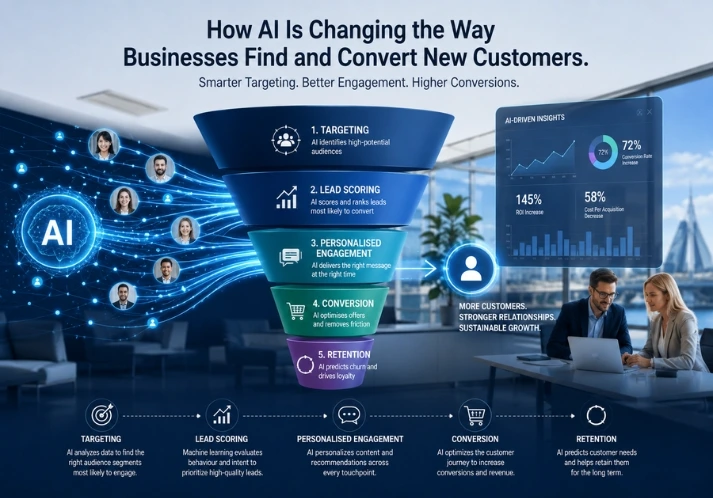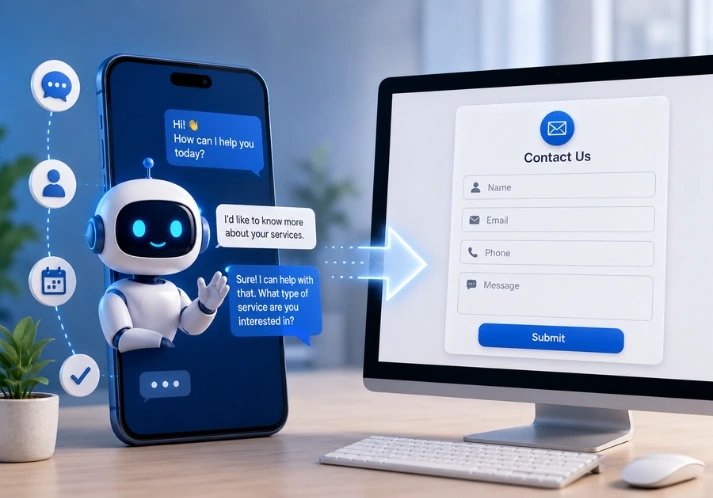
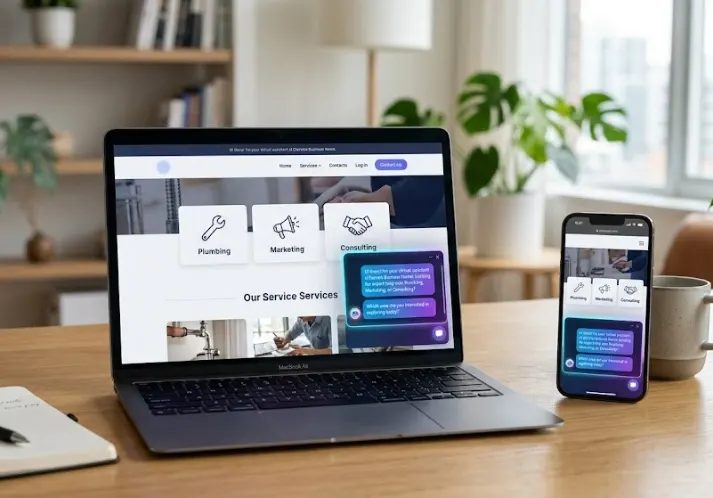
AI chatbot lead capture is changing how service businesses handle enquiries – and for good reason. If someone visits your website at 9 pm looking for a plumber, a bookkeeper, or a marketing agency, a static contact form sits there. An AI chatbot starts a conversation, asks the right questions, and collects their details before they click away.
Most service businesses lose leads not because their service is bad, but because their response is slow. Research consistently shows that replying to a lead within five minutes makes you far more likely to convert them. Chatbots make that kind of speed possible without adding staff.
This guide covers what AI chatbot lead capture actually looks like in practice, how to set one up, which tools to consider, and a few things to watch out for along the way.
AI Chatbot Lead Capture: What It Means for Service Businesses
Not all chatbots are the same. Understanding what makes an AI chatbot different from older live-chat tools helps you make a better choice for your business.
How AI chatbots differ from basic live chat
Traditional live chat needs a real person on the other end. When no one is available, visitors either wait or leave. AI chatbots are different – they handle conversations automatically, 24 hours a day, without needing someone to type replies in real time.
Modern AI chatbots can:
- Understand natural language, not just menu selections
- Ask follow-up questions based on what the visitor says
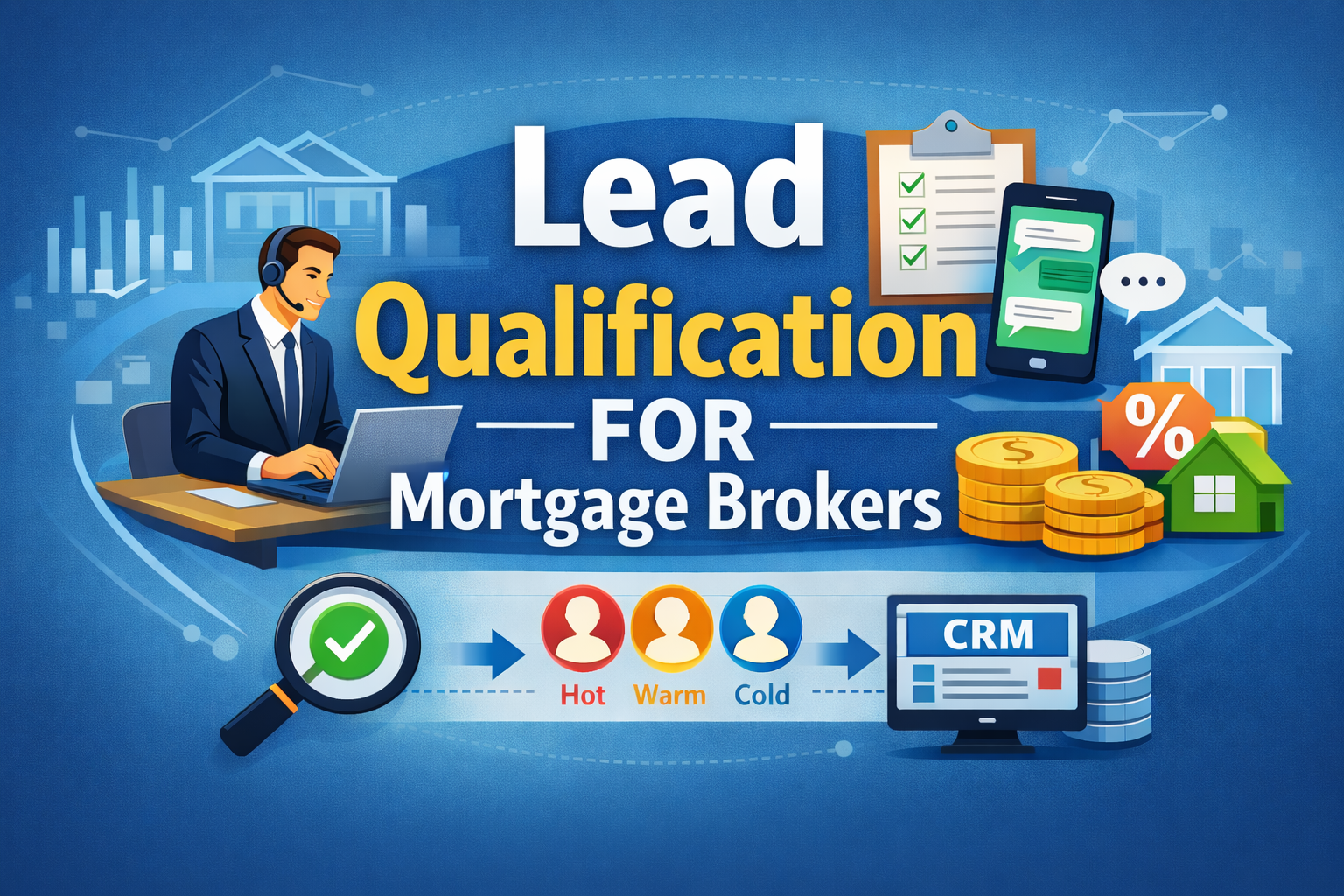
- Qualify leads by collecting name, contact details, and service requirements
- Route hot leads to a human or directly into your CRM
- Handle multiple conversations at the same time
Why service businesses lose leads without automation
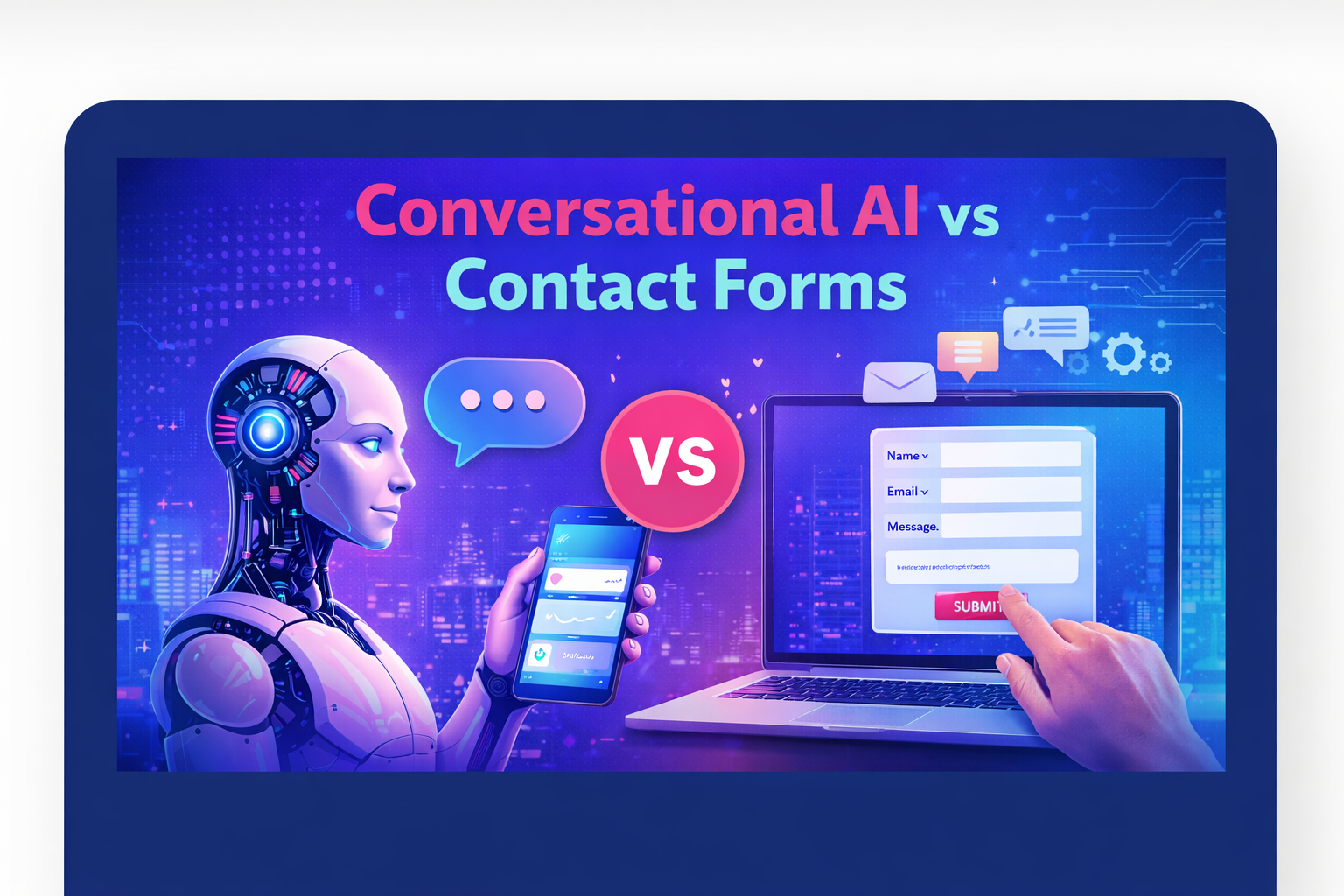
If your website gets traffic but your contact form completion rate is low, the problem often isn’t the traffic – it’s the friction. Forms feel like effort. Chatbots feel like a conversation.
For service businesses in particular – trades, legal, health, consulting, cleaning, and similar industries – most leads come with some urgency attached. People want to know if you’re available, roughly what it costs, and whether you handle their type of job. A chatbot for website lead generation can answer those early questions and capture details at exactly the moment someone is ready to enquire.
Quick stat: Businesses that respond to online leads within five minutes are up to 100 times more likely to make contact compared to those that wait 30 minutes or more. An AI chatbot makes immediate response the default, not the exception.
Key Benefits of Using AI Chatbots to Capture Leads
24/7 lead capture without extra staff
A large portion of online enquiries happen outside business hours – evenings, weekends, and public holidays. Without an automated lead generation chatbot running in the background, those visitors either fill in a form and wait or leave without making contact at all.
With a chatbot in place, every visit becomes an opportunity. The bot collects information while you’re unavailable, so your first task Monday morning is following up warm leads rather than chasing cold ones.
Instant response and faster lead qualification
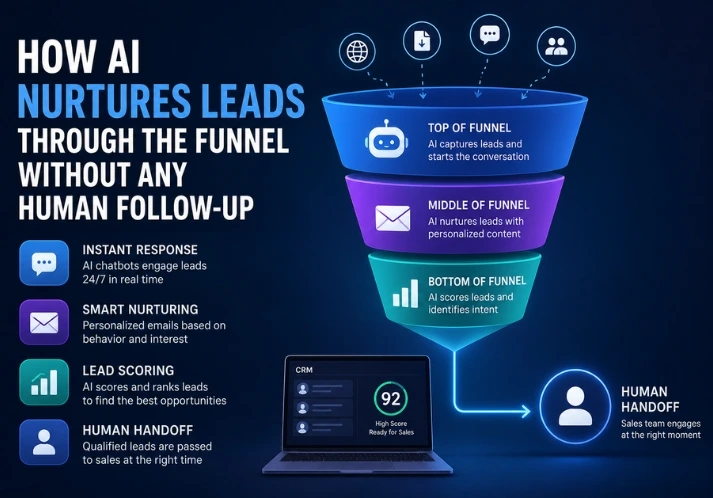
Speed matters at every stage of the sales process. An AI chatbot responds the moment someone lands on your site – no hold music, no queue. It can also pre-qualify leads by asking the right questions upfront:
- What service are you looking for?
- Where are you located?
- What’s your timeframe?
- What’s your budget range?
By the time you follow up, you already know whether the lead is a good fit. That saves time on both sides and improves your conversion rate from enquiry to booked job.
CRM integration and follow-up automation
A chatbot that collects leads but dumps them into an inbox is only half the solution. The real value comes from connecting chatbot data to your CRM or email system.
When your chatbot lead qualification flows directly into your pipeline, you can trigger automated follow-up sequences, tag leads by service type or location, and keep track of where every enquiry is up to – without building that process manually each time.
For businesses already using tools like HubSpot, Salesforce, or a custom CRM, this kind of AI chatbot CRM integration is usually straightforward to configure.
How to Set Up a Lead Capture Chatbot on Your Website
Getting started doesn’t require a developer or a big budget. These four steps cover the core process for most service businesses.
Step 1 – Choose the right chatbot platform for your service type
Start by matching the tool to your business. A sole trader taking booking enquiries has different needs from a team of ten handling high-volume inbound leads. Consider how many leads you get per month, what your existing tech stack looks like, and whether you need the bot to handle anything beyond basic lead collection.
Step 2 – Define your lead qualification questions
Keep the flow short. Three to five questions are usually enough to qualify a lead without overwhelming the visitor. Focus on the information you actually need before calling someone back – service type, location, timing, and contact details cover most bases. Avoid asking for information you could gather later in the sales process.
Step 3 – Connect the chatbot to your CRM or email workflow
Once the chatbot is collecting leads, make sure those leads go somewhere useful. Most platforms offer native integrations with common CRMs, Google Sheets, or email tools like Mailchimp and ActiveCampaign. For more customised pipelines, tools like Zapier can bridge the gap. The goal is zero manual data entry between a lead submitting their details and you receiving a notification.
Step 4 – Test, optimise, and check performance regularly
Run through the chatbot flow yourself on both desktop and mobile before going live. After launch, check your completion rates – how many visitors start a conversation versus how many complete it. If a lot of people drop off at a particular question, simplify or rephrase it. Small tweaks to wording often make a noticeable difference to conversion.
One thing worth doing early: Set up a human handoff option for visitors who specifically ask to speak to a person. Chatbots work well for collection and qualification, but some leads – particularly high-value ones – respond better when they can reach someone directly.
Best AI Chatbot Tools for Lead Capture in Service Businesses
There are plenty of options at different price points. These four are worth looking at, depending on your business size and what you need the chatbot to do.
| Tool | Best for | Pricing |
| Tidio | Small service businesses getting started | Free plan available |
| Intercom | Teams wanting full CRM + support features | From ~$39/month |
| Drift | Sales-focused businesses with higher lead volume | From ~$2,500/year |
| Custom AI bot | Businesses needing deep CRM/workflow integration | Varies by scope |
For most Australian service businesses starting, Tidio or a similar entry-level platform covers the basics well. Once you’re consistently capturing and converting leads through the bot, it becomes easier to justify moving to a more feature-rich tool.
It is also worth considering a custom AI-powered bot if your business has specific qualification logic or you want it to connect directly with an existing AI CRM system. Off-the-shelf tools are fast to set up, but they sometimes create workarounds that slow things down later.
Looking for a chatbot built specifically for Australian service businesses?
OptiRank built OptiSara – a fully customisable AI lead qualification platform for Australian small and medium businesses. It responds to enquiries across WhatsApp, your website, SMS, email, and Microsoft Teams within 60 seconds, qualifies leads through natural conversation, and syncs everything directly to your CRM. Every setup is configured around your specific sales process and can be live within 48 hours. There’s a 14-day free trial with no credit card required.
Common Mistakes to Avoid When Using Chatbots for Lead Generation
Most issues come down to setup decisions made early on. Here are the ones that come up most often.
- Asking too many questions upfront. If your chatbot asks for name, email, phone, service type, location, budget, and preferred callback time all at once, most people will close it. Start with one or two questions and build from there.
- No option to speak to a real person: Some visitors – particularly higher-value leads – will want to connect with someone directly. If the chatbot has no handoff path, you risk frustrating the exact enquiries you most want to capture.
- Not following up on captured leads quickly: A chatbot qualifies the lead, but the conversion still depends on your follow-up. If leads sit in an inbox for 48 hours, most of them go cold. Automated lead generation chatbot setups work best when follow-up is just as automated as collection.
- Ignoring mobile UX: A significant share of website visitors – often more than 60% for local service businesses – are on mobile. Test your chatbot on a phone before going live. A widget that looks clean on a desktop can be clunky and hard to close on a small screen.
- Setting and forgetting: Chatbots need occasional maintenance. If your services, prices, or team change, make sure the bot reflects that. Outdated information in a chatbot flow can confuse or mislead visitors.
How Real Service Businesses Use AI Chatbots to Bring in Leads
Looking at how other businesses have approached this makes the setup process easier to picture.
Example – Local plumbing business (trades)
A plumbing company in Melbourne was getting consistent website traffic but losing most after-hours visitors because no one was available to respond. After adding a chatbot with a three-question flow – type of job, suburb, and best contact number – they started capturing several leads per week outside business hours. Each lead arrived pre-qualified, with location and job type already attached.
Example – Marketing agency (professional services)
A small digital marketing agency was spending too much time on discovery calls with leads outside their target budget or service scope. They added a chatbot to their contact page that asked about project type, monthly budget range, and business size. Enquiries that passed the qualification threshold were routed to the sales team. Discovery call quality improved noticeably within the first month.
These examples aren’t unusual. AI lead generation for service businesses tends to produce the clearest results when it’s focused on a specific problem – usually speed of response or quality of qualification – rather than trying to automate everything at once.
Want a full automation setup, not just a chatbot?
A standalone chatbot is one piece of the puzzle. OptiRank’s AI Automation services cover the full picture – CRM and workflow automation, appointment booking, multi-channel lead response, cold lead re-engagement, and virtual sales assistant integration. Available to businesses across Melbourne, Sydney, Brisbane, Perth, and Adelaide, and fully configured around your existing processes.
Frequently Asked Questions
What is AI chatbot lead capture and how does it work?
AI chatbot lead capture is the process of using a conversational AI tool on your website to collect visitor details – name, email, phone number, and service needs – automatically. The chatbot asks pre-set qualifying questions, gathers responses, and sends the lead directly to your CRM or email inbox without any manual effort on your end.
Can a small service business afford an AI lead capture chatbot?
Yes. Several tools offer free or low-cost plans that work well for small businesses. Platforms like Tidio start from free, while more advanced options with CRM integration typically cost between $20 and $100 per month – less than the value of a single missed lead for most service businesses.
How many leads can a chatbot capture compared to a contact form?
Chatbots tend to outperform static contact forms, mainly because they respond instantly and feel more like a conversation. Studies show chatbots can increase lead capture rates by 30 to 40% compared to forms, particularly on mobile, where filling out a form feels like more effort.
Which AI chatbot is best for lead generation on a service website?
It depends on your size and tech stack. Tidio suits small businesses with its simple setup. Intercom works well for businesses that want full customer support features alongside lead capture. For custom AI-powered bots integrated directly with your CRM and workflow, working with an AI automation specialist gives you the most flexibility.
Do AI chatbots work well for mobile visitors?
Yes, most modern platforms are mobile-optimised by default. That said, it’s worth testing your chatbot on a few different devices before going live. Mobile users expect fast load times and a clean interface, so choose a platform with a lightweight chat widget and test the full flow on your phone before launch.
Start Capturing More Leads with AI Chatbots Today
The setup doesn’t have to be complicated. Pick a platform that fits your business size, keep the qualification flow short, connect it to your CRM, and test it before you go live.
If you want something built specifically for the Australian market – one that goes beyond basic chatbot functionality into full lead qualification, automated follow-up, and CRM sync –OptiSara is worth a look. Or if you’re ready to automate the broader lead and sales process, OptiRank’s AI Automation services can cover the whole setup end-to-end.