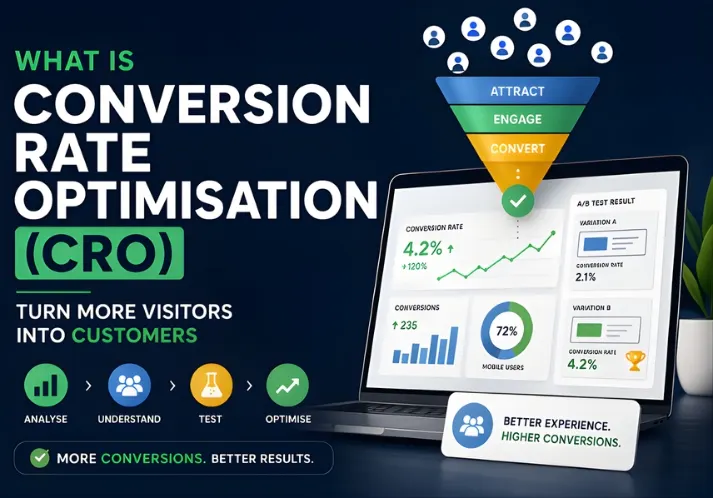
What is Conversion Rate Optimisation – and why are so many Australian businesses treating it as a top priority in 2026?
The short version: CRO is the work of getting more of your existing website visitors to actually do something. Buy a product. Book a call. Fill out a form. It’s not about pumping up traffic numbers. It’s about making the traffic you already have count.
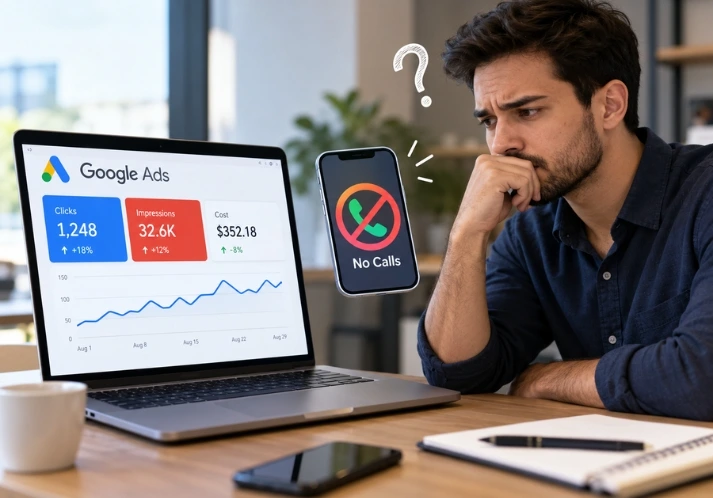
If you’re spending money on SEO or Google Ads and still not seeing the leads or sales you expected, this is likely where the problem sits.
What Is Conversion Rate Optimisation, and Why Should You Care?
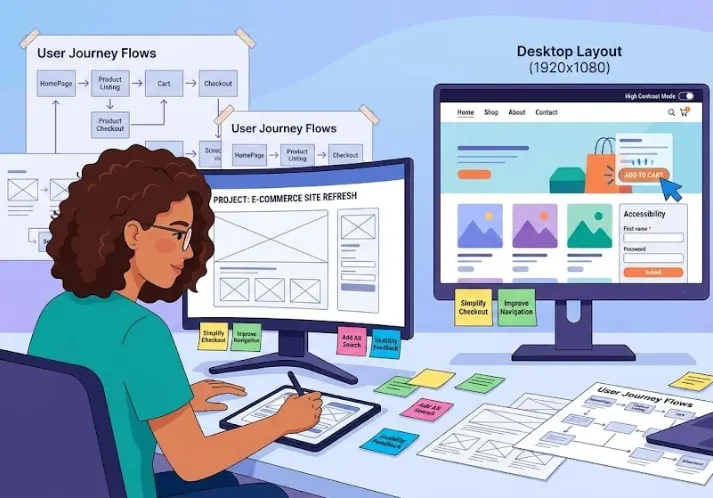
Conversion Rate Optimisation (CRO) is the ongoing process of improving your website so that more visitors complete a goal – a purchase, a booking, a form submission, whatever matters most to your business.
It pulls from three areas:
- Data – understanding what users actually do on your site
- User behaviour – knowing what gets people to act (and what stops them)
- Testing – running real experiments to find what works
Here’s a simple way to see the value. Say your site gets 5,000 visitors a month at a 2% conversion rate. That’s 100 leads. Lift that rate to 4% – no extra ad spend, no new traffic – and you’re at 200 leads. Same budget, double the output. That’s the whole point.
How to Work Out Your Conversion Rate
The maths is simple:
Conversion Rate = (Conversions ÷ Total Visitors) × 100
So if 3,000 people visited your site last month and 90 filled out a contact form:
(90 ÷ 3,000) × 100 = 3%
You need this number before you can improve anything. It’s your starting point.
What Actually Counts as a Conversion?
A conversion is any action that moves someone closer to becoming a customer. The definition shifts depending on what your business does.
Common examples:
- Completing a purchase (eCommerce)
- Submitting a quote request or contact form (service businesses)
- Booking a consultation or appointment
- Signing up for an email list
- Downloading a resource
- Tapping a phone number or chat button
Most businesses have macro-conversions – the main goal, like a sale – and micro-conversions – smaller steps along the way, like adding an item to a cart or watching a product video. A good CRO approach looks at both.
What’s a Realistic Conversion Rate to Aim For?
Honestly, this question comes up constantly, and the answer is always: it depends.
Industry ballparks:
- eCommerce: 1–4% is fairly normal; above 4% is solid
- B2B lead generation: 2–5% for dedicated landing pages
- Service businesses: 3–6% on well-optimised pages
- Google Ads landing pages: 2–6% depending on the offer
Rather than chasing some universal target, focus on improving your own rate over time. Even a 0.5% gain across pages with decent traffic can make a meaningful difference to revenue at the end of the month.
According to WordStream’s research on landing page conversion rates, the top 25% of advertisers consistently convert at five times the average – mostly through consistent testing and refinement, not traffic volume.
How CRO Actually Works: The Process
Here’s how a proper CRO programme runs – the approach Optirank uses with clients across Melbourne and Australia.
Step 1: Get clear on what you’re trying to improve
“More conversions” isn’t a goal. “Increase quote form completions by 20% over 90 days” is. The more specific you are, the easier it is to measure whether your changes are working.
Step 2: Find out what’s currently happening
Before you touch anything, understand your starting point. Use tools like Google Analytics 4, Hotjar, or Microsoft Clarity to see:
- Where users drop off
- Which pages get traffic but don’t convert
- What devices and locations are your visitors coming from
Step 3: Find the friction
Friction is anything that makes it harder for a visitor to take action. The usual suspects:
- Pages that take more than 3 seconds to load
- Navigation that confuses people or buries important pages
- Call-to-action buttons that say nothing useful (“Submit”, “Click here”)
- No reviews, no trust badges, no proof that you’re credible
- A checkout or form process with too many steps
- A site that looks fine on desktop but falls apart on mobile
Step 4: Write a hypothesis before you change anything
This is where most businesses skip a step. Before making a change, state clearly what you think will happen and why.
For example: “Changing the CTA from ‘Submit’ to ‘Get My Free Quote’ will increase form completions because it tells the visitor what they’re actually getting.”
This keeps your testing honest and your results useful.
Step 5: Run a proper A/B test
A/B testing means splitting your visitors between two versions of a page – the original and a variation – then measuring which one performs better.
Things worth testing:
- Headlines and subheadings
- CTA button text and colour
- Hero image or video
- Form length (fewer fields nearly always wins)
- How pricing is shown
- Page layout and the order of content appear in
Tools like VWO and Optimizely handle this well. Just make sure you run tests long enough to get results you can trust – typically until you hit 95% statistical confidence.
Step 6: Apply what you learn, then go again
Once you have a clear winner, implement it and move on to the next test. The losing version taught you something, too – archive it.
The sites that convert best aren’t the ones that ran one test. They’re the ones that kept testing.
CRO Tactics That Consistently Work
These aren’t cutting-edge tricks. They’re the things that reliably move the needle.
Write CTAs that say something: “Click Here” and “Submit” are placeholders, not calls to action. Try “Start My Free Audit”, “Book a 30-Minute Call”, or “See Pricing” – anything that tells the visitor exactly what happens next.
Show proof that you’re credible: People check. They want to see reviews, real client names, case study results, logos of companies you’ve worked with, and any industry accreditations. According to Nielsen’s consumer trust research, the vast majority of consumers trust online reviews as much as a personal recommendation.
Fix your page speed: A slow site leaks conversions constantly. Google’s own research found that improving mobile load speed by one second can lift conversions by up to 27%. Run your site through Google PageSpeed Insights and deal with the red flags first.
Cut your forms down: If you only need a name, email, and phone number, ask for only those. Each extra field reduces the chance that someone completes it. The goal is less friction, not more data collection.
Watch what users actually do: Tools like Hotjar record real sessions and generate heatmaps showing where people click, scroll, and leave. This tells you things that analytics alone never will.
Don’t fake urgency: Countdown timers that reset on every visit, fake “only 2 left” notices – visitors notice, and it damages trust. Real scarcity works. Made-up scarcity backfires.
Design for mobile visitors first: In Australia, well over half of all web traffic comes from mobile devices. If your site is clunky on a phone, you’re losing a lot of potential customers before they even get to your offer.
CRO vs SEO: How They Fit Together
People sometimes ask whether they should focus on CRO or SEO. The real answer is that they work on different parts of the same problem.
| SEO | CRO | |
| Job | Bring people to your site | Get those people to take action |
| Focus | Rankings and visibility | Experience and persuasion |
| Key metrics | Rankings, clicks, traffic | Conversion rate, revenue per visitor |
| Timeframe | Months | Can show results in weeks |
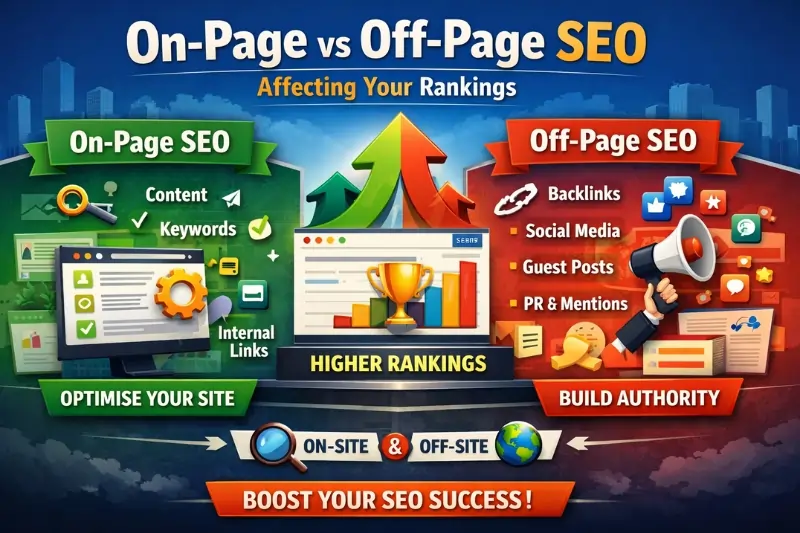
SEO brings the right visitors. CRO makes sure they don’t leave without doing something. At Optirank, we run both together – because traffic that doesn’t convert is just an expense.
Where Most Businesses Go Wrong With CRO
After working with clients across Melbourne and the rest of Australia, these are the mistakes that come up over and over:
- Making changes based on gut feel, not data – Something might look off, but testing tells you whether it actually matters
- Changing too many things at once – You can’t know what worked if you changed ten things at the same time
- Stopping after one good result – CRO is an ongoing process, not a one-off project
- Only looking at the homepage – Your product pages, service pages, landing pages, and checkout all need attention
- Ignoring mobile – A great desktop experience doesn’t mean your mobile experience is anywhere near as good
- Not setting a clear goal before testing – If you don’t know what success looks like, you won’t recognise it when you get there
Tools Worth Using in 2026
These are what we’d recommend to any business getting started with CRO:
- Google Analytics 4 – conversion funnels, goal tracking, behaviour flow
- Hotjar or Microsoft Clarity – heatmaps, session recordings, form drop-off analysis
- VWO or Convert.com – A/B testing with proper statistical controls
- Unbounce or Instapage – landing page builders designed to convert
- Google PageSpeed Insights – free and actionable speed diagnostics
- Typeform or JotForm – forms that people actually finish
So, Is CRO Worth It?
Yes – and the numbers make it hard to argue otherwise.
Most businesses put almost all their energy into getting more traffic. But if your site converts at 1–2%, the majority of visitors you’ve paid to bring in are leaving without doing anything. That’s a lot of wasted spend.
CRO doesn’t replace SEO or paid ads. It makes both of them work harder. It lowers your cost per lead, increases the revenue you get from each visitor, and means your marketing budget goes further overall.
Whether you’re running an eCommerce store in Melbourne, a professional services firm, or a B2B business anywhere in Australia, a consistent CRO process will show results if you stick with it.
Want to know where your site is losing conversions? At Optirank, we work with businesses across Melbourne and Australia to build SEO and CRO strategies that actually connect to revenue – not just traffic.
Book a free consultation and we’ll take a look at what’s holding your site back.